- 如何用google search console,分析自己的網站及流量
先到google search console申請帳戶
點左上角下拉箭頭
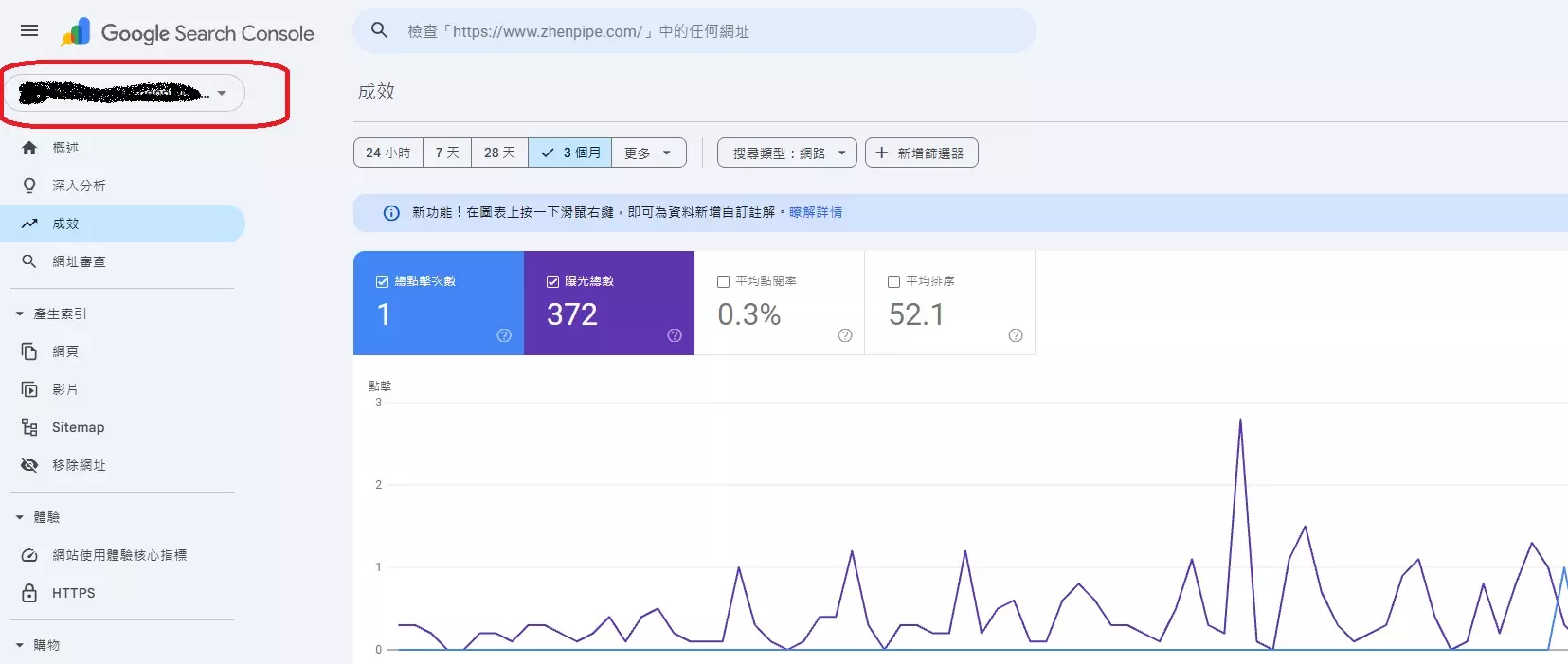
新增資源
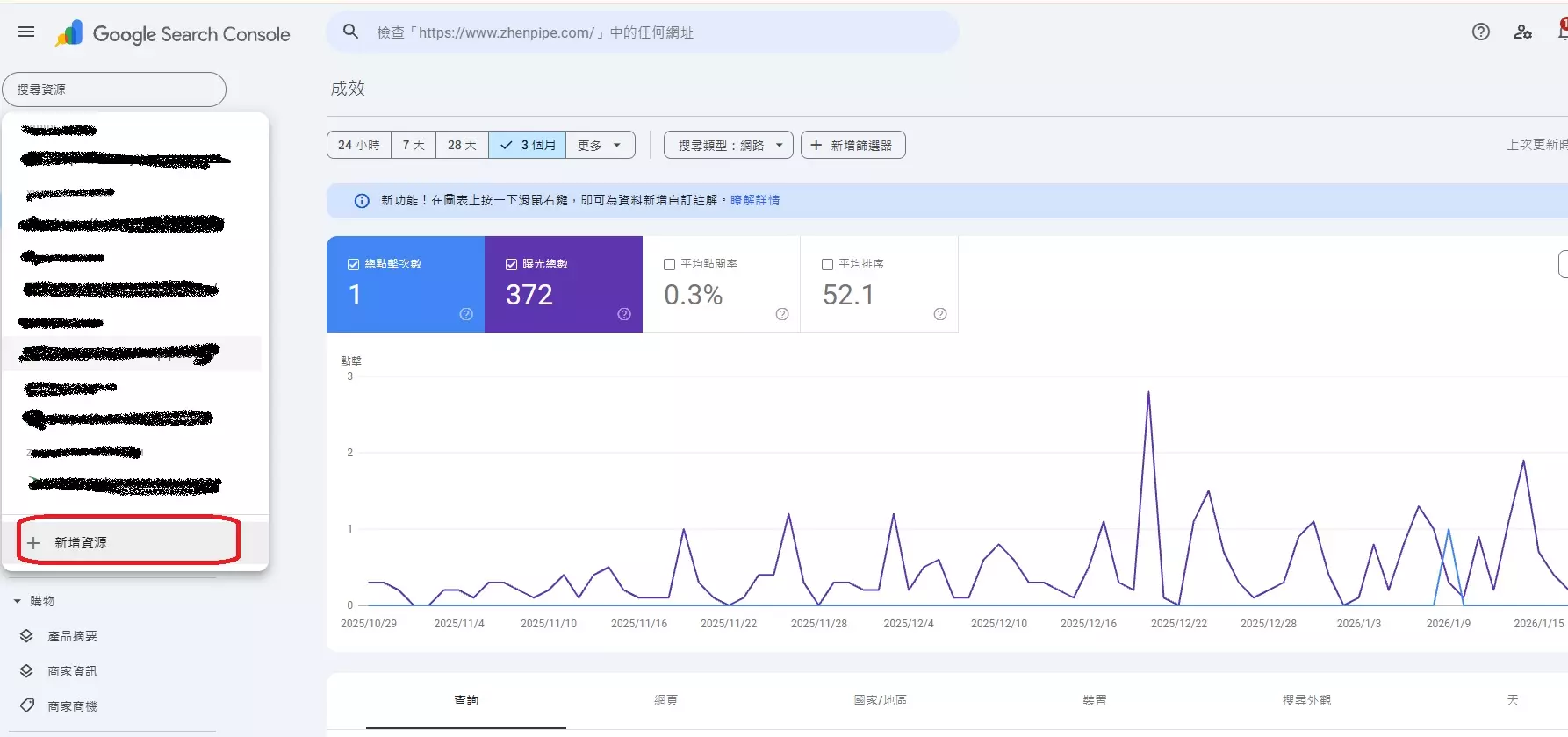
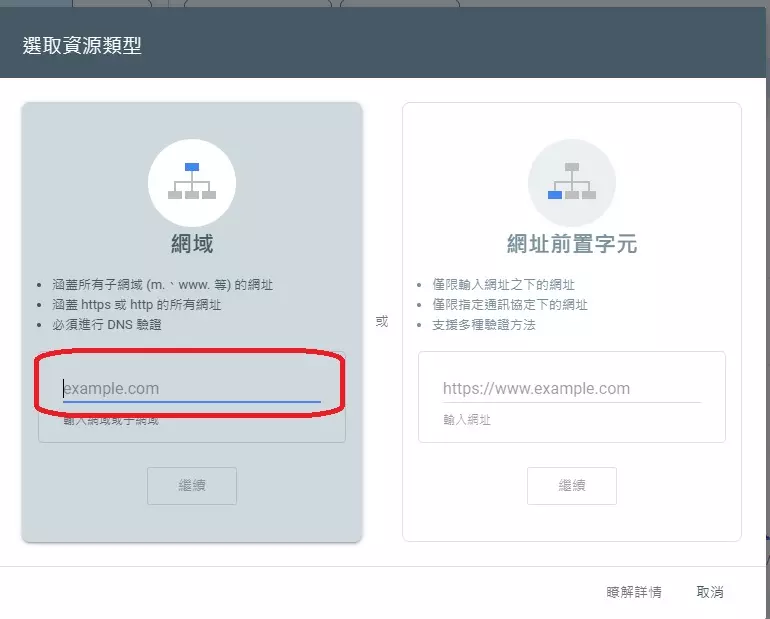
輸入網址,如:www.netyea.com
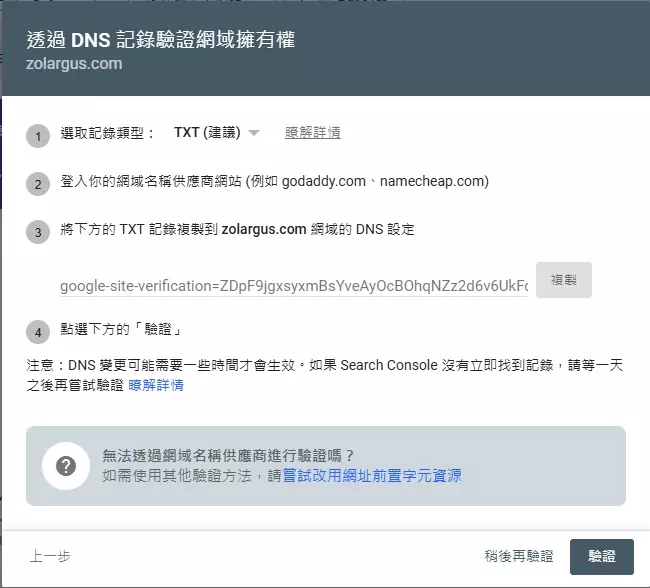
驗證網站的擁有權
點選左上角下拉選單->出現 www.netyea.com
一段時間後,就可以看到每天的曝光次數及點擊次數
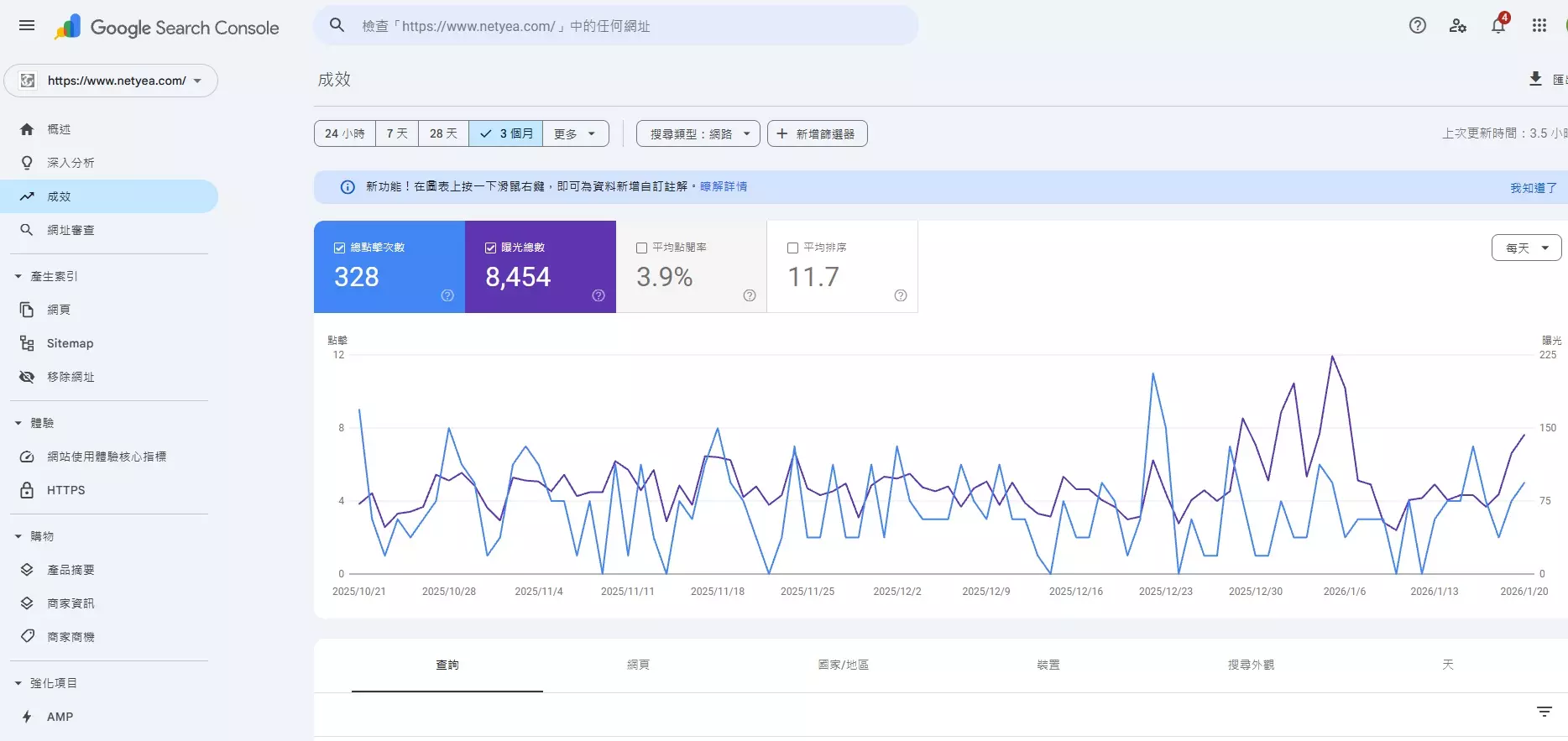
往下拉
可以看到用戶查詢的關鍵字,網頁,國家,裝置,搜尋外觀
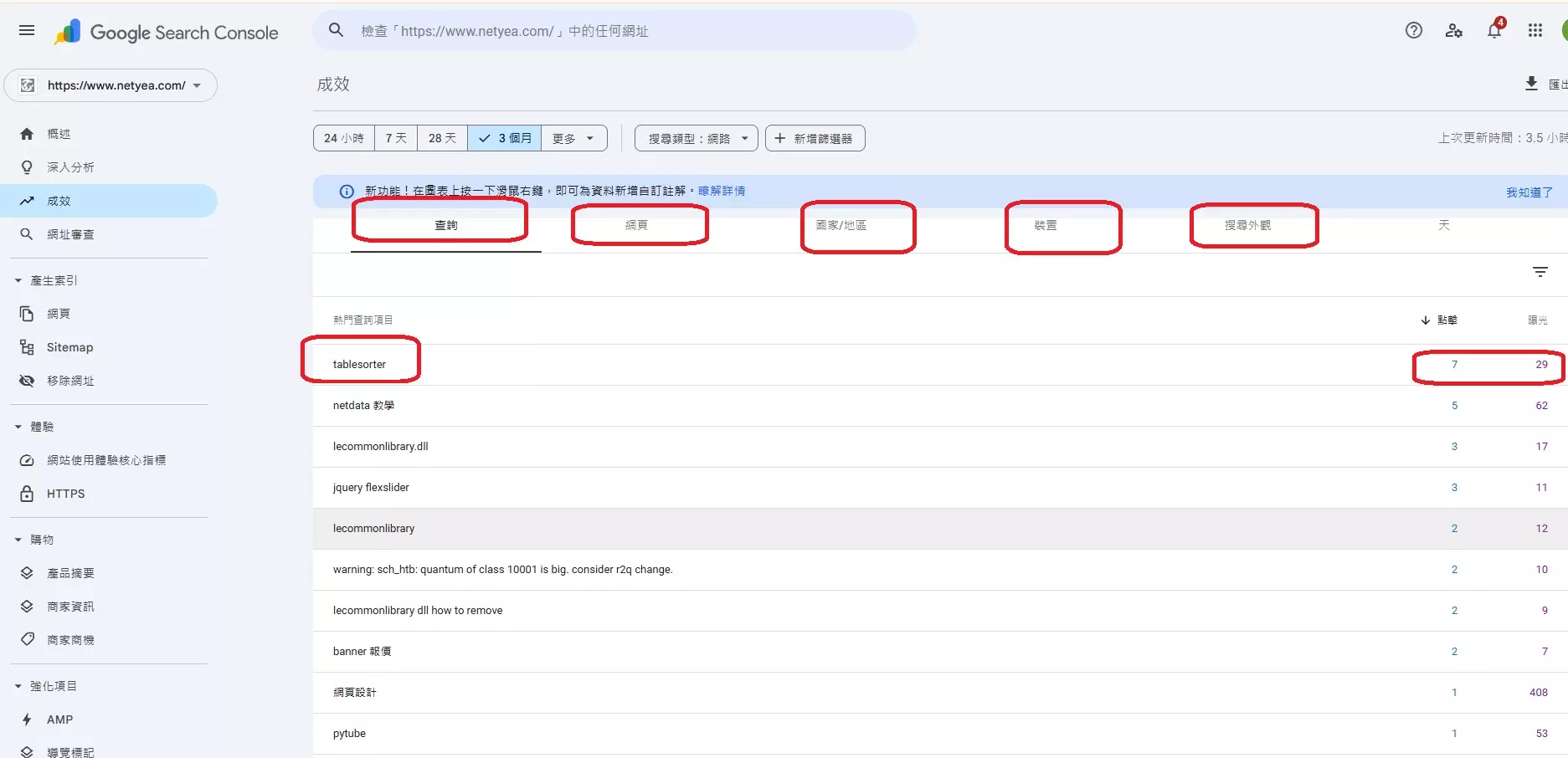
藉此就可以分析用戶的習慣- googlesearch, 網站流量, 分析使用者的習慣

先到google search console申請帳戶
點左上角下拉箭頭
新增資源
輸入網址,如:www.netyea.com
驗證網站的擁有權
點選左上角下拉選單->出現 www.netyea.com
一段時間後,就可以看到每天的曝光次數及點擊次數
往下拉
可以看到用戶查詢的關鍵字,網頁,國家,裝置,搜尋外觀
藉此就可以分析用戶的習慣